homepage.html
Their ownhomepage,hand-coded.
Eight Saturday mornings where kids write a real website in plain HTML and CSS: a guestbook, a hit counter, GIFs they drew themselves. On the last Saturday it goes live, and the whole class joins one webring.
No experience needed · laptops provided · six kids per tutor

class-of-autumn.jpg · 640×480
Six things every homepage gets.
By the eighth Saturday each kid has a site with all six, built from an empty file and nothing borrowed.
index.html
Your name in lights
Headings, colours and a tiled background they picked, written tag by tag.
guestbook.html
A guestbook
Friends sign it, and your kid approves every entry before it shows.
counter.gif
A hit counter
Six digits that tick up every time grandma visits the page.
links.html
A links page
Their favourite corners of the web, laid out in a table they built.
gifs/
GIFs they drew
Drawn pixel by pixel, then set to spin, blink or wave.
webring.html
A webring badge
An 88×31 button that links their site to the rest of the class.
Eight Saturdays, one website.
Two mornings per stage, three hours each, a tutor for every six kids. Nobody falls behind; the fast ones get extra GIFs.
- Saturdays, 10:00 to 13:00
- Six kids per tutor, never more
- Our laptops, or bring your own
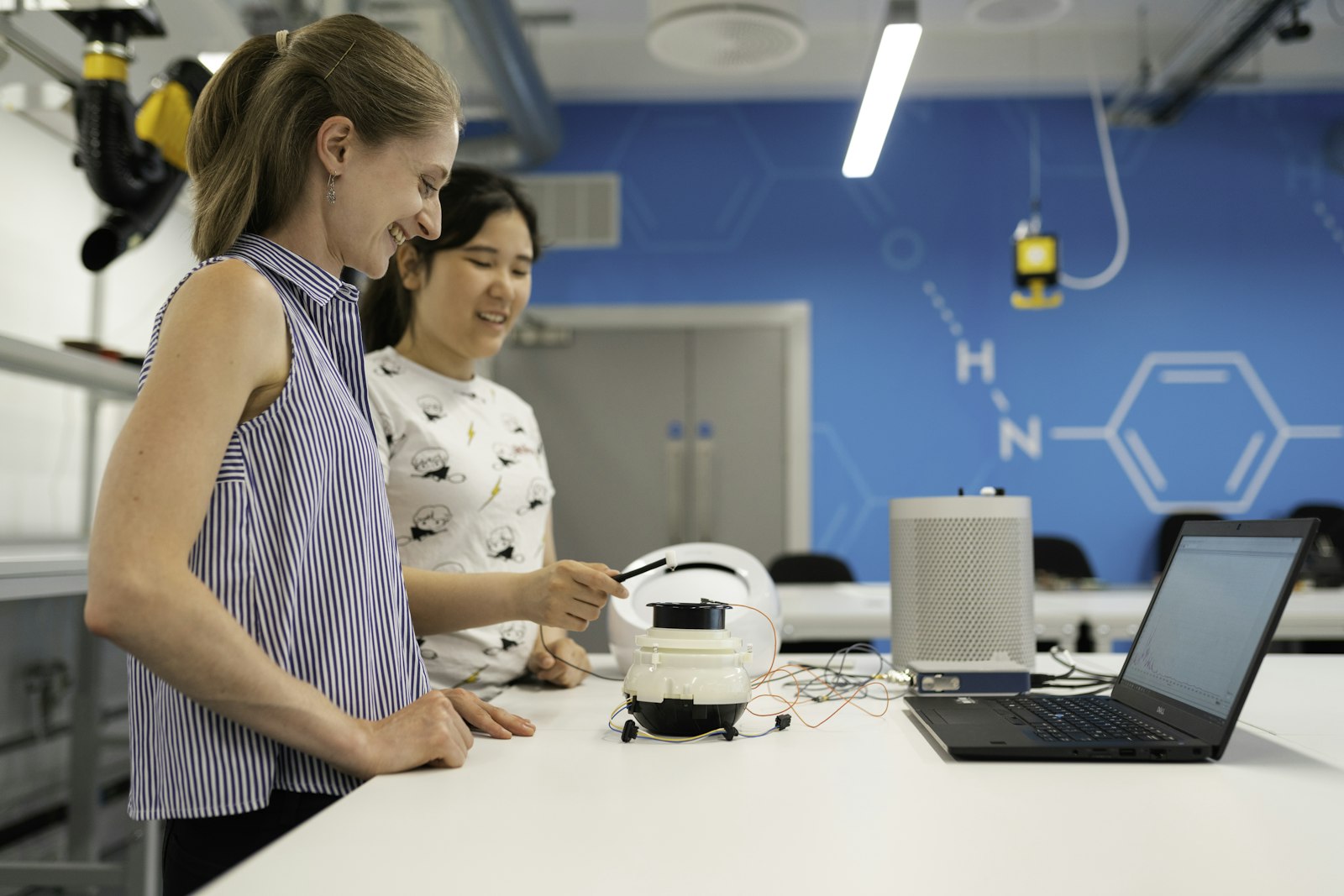
saturday-07.jpg · launch week
Tags and your name in lights
Notepad open, the first heading typed, the page opened in a browser. By lunch on day two it has their name, a colour and a background.
Tables, links and a guestbook
A links page laid out in a table, then a guestbook that friends can sign and your kid approves.
GIFs and a hit counter
Drawing GIFs pixel by pixel, a little JavaScript, and a counter that knows when grandma has visited.
Publish and join the ring
The site goes live on its own address, joins the class webring, and the family comes to the launch party.
counter.gif
homepages launched since 2019
Every site joins the class ring.
Each homepage gets an 88×31 button and a place in the webring, with next, previous and random. These are this term’s.
One term, one price, no extras.
Everything a Saturday needs is in the fee, including the laptop if they don’t have one.
- A laptop on loan every Saturday
- Their own web address for a year
- Snacks at the half-time break
- A launch party for the family
fees.txt
-
Full term
$320Eight Saturdays, 10:00 to 13:00
-
Second child
$280Same term, same table
-
Pay what you can
from $40Two seats a term, no questions asked
-
Laptop loan
FreeOurs, wiped and ready each week
Questions parents ask.
The short answers. The long ones happen over coffee on the first Saturday.
Something else? Write to hello@example.com and a tutor answers.
Does my kid need to know anything about computers?
No. If they can type their name and save a file, they are ready. The first Saturday starts with an empty Notepad window.
Why plain HTML instead of a website builder?
Because they will understand every line of it. A builder hides the page; writing it by hand shows them how the web works.
What do they need to bring?
A water bottle. Laptops, headphones and snacks are ours, and their own laptop is welcome too.
Is their homepage public?
Only if you say so. Every site launches behind a family password, and the webring lists first names only.
What if they miss a Saturday?
The tutor sends that week’s file home, and the next Saturday starts with fifteen minutes of catching up.
guestbook.html
Sign the guestbook.
Leave your details and we hold a seat for two days while you decide.
This form is currently unavailable.
What happens next
- We reply within two days with the term dates and a short form about allergies and pick-up.
- You pay the fee, or ask for a pay-what-you-can seat. Nobody asks why.
- On the first Saturday your kid opens Notepad and types their name.
Rather talk? hello@example.com